
 Join our Discord
![✨Gameplay Zones ✨| [Standalone]](https://dunb17ur4ymx4.cloudfront.net/packages/images/1ed538733aa01162b9da831cb6c4869a1dd83b5d.png)
GAMEPLAY ZONES
Manage the roleplay on your server in the best way possible and explore all the new possibilities offered by our new zone management script. Authorized staff members can easily create and manage game zones directly in-game through a simple, functional, and customizable interface. When a player leaves one of the many zones you can create, they’ll be brought back after a short full-roleplay scene that keeps the immersion alive.
This script is made for full RP servers that want to make only certain areas of the large map accessible. It gives your staff everything they need to reach that goal in a smooth, optimized, and fully customizable way.
Discover our new zone system, now available for all frameworks.
🎨 | Simple and customizable UI
⚡ | Lightweight and easily adaptable resource
🧩 | STANDALONE – Compatible with all frameworks
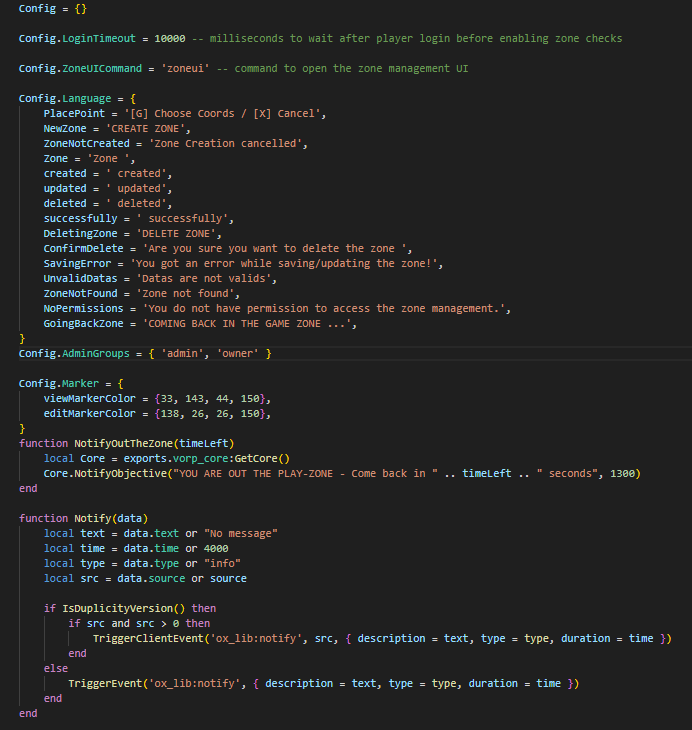
🛠️ | Open files for full script configuration
🚪 | Permission check when leaving a restricted zone
👥 | Interface accessible only to users authorized in the config
🌍 | Fully customizable translations
💬 | Customizable notifications and dialogue interfaces
🔄 | Real-time zone synchronization
🗺️ | Zones editable and removable in real time via the admin interface
📏 | In-game visible zone range
📸 | Zones editable with precision thanks to the top-down view
🎭 | Immersive and roleplay zone exit event
Video Preview : https://www.youtube.com/watch?v=b0Y6xkRK_5Q
Dependencies:
- framework_core ( like vorp_core, rsg_core ecc... )
- weathersync
Is-Code-Accessible? Partial 🟡
**Open FIles: **{ server_open.lua / client_open.lua / config.lua }
**Encrypted Files: **{ server.lua / client.lua }
Compatibility: Standalone✅
Lines-Approx: 740❔